
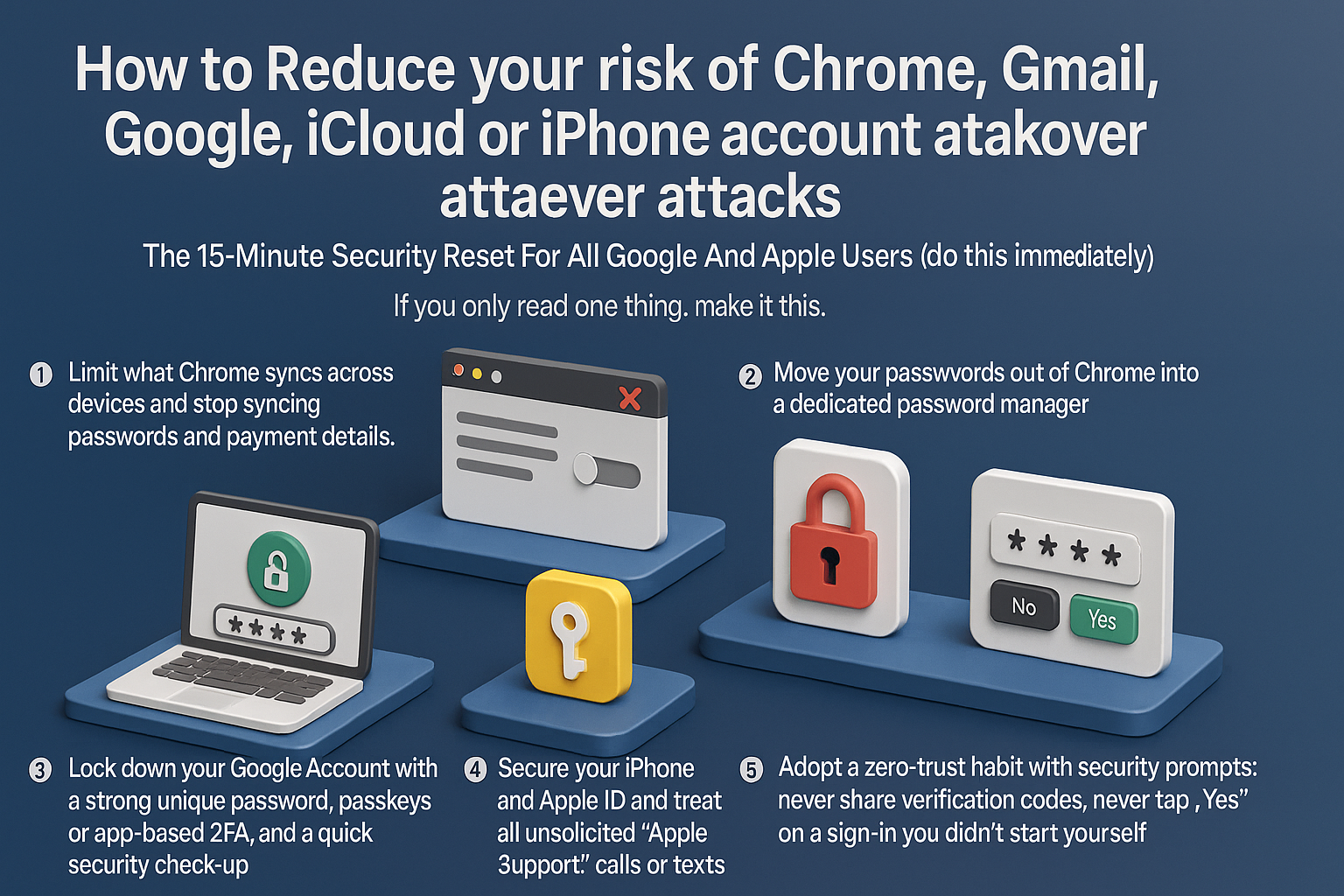
How To Stop Chrome & iPhone Account Takeovers: A 15-Minute Security Reset For Google And Apple Users
To reduce your risk of account takeovers, you must limit browser data exposure and adopt a zero-trust approach to security prompts. Start by disabling Chrome’s ability to sync passwords and payment details; move credentials to a dedicated password manager and delete old synced cloud data. Next, harden your Google and Apple accounts by enabling passkeys or app-based 2FA instead of SMS, and audit browser extensions to remove potential spyware. Crucially, defend against social engineering: never share verification codes, ignore unsolicited “support” calls, and deny any 2FA request you didn’t personally trigger. Attackers now prioritize hijacking browser sessions and manipulating recovery flows over simple password guessing. By isolating your passwords from your browser and refusing to validate unexpected login attempts, you neutralize the primary methods hackers use to compromise your digital identity.

Ai Safety: Navigating the Challenges of AGI Future Technologies
Explore the potential dangers of rapid AGI development in our latest article. As Artificial General Intelligence (AGI) advances at an unprecedented pace, the lack of sufficient testing and regulatory oversight poses significant risks. From unforeseen consequences to ethical concerns, learn why it's crucial to implement robust safety protocols and regulations to guide the responsible development of AGI and prevent potential threats to society.

Chinese Hackers Exploit TestFlight to Distribute Malicious Apps: Beta Invitation Code Scam
🚨 Chinese hackers are now exploiting TestFlight to distribute malicious apps, disguised as Facebook beta invitations. Protect your data and stay vigilant! Apple and Facebook must tighten security measures to stop this. #CyberSecurity #DataBreach #Apple #Facebook #Hacking #TechNews