
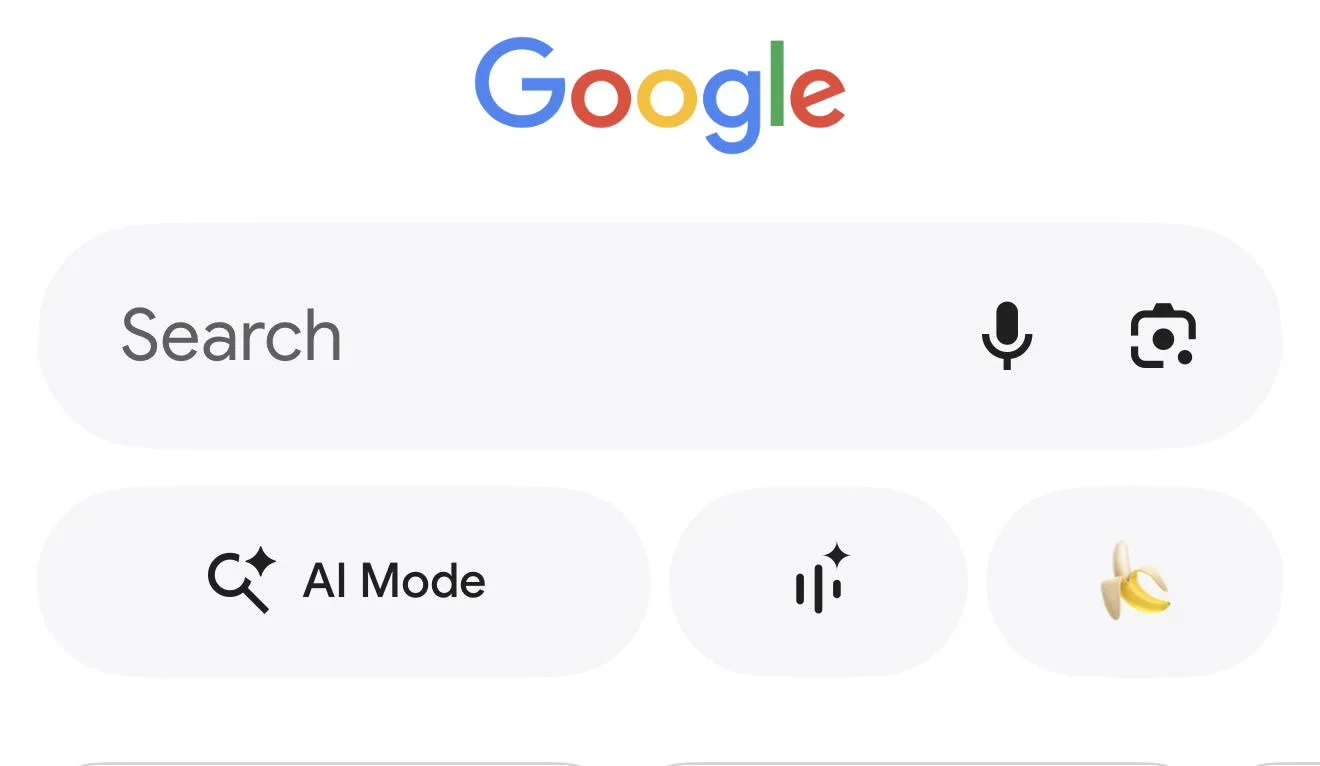
Breaking: “Nano Banana” button added to Google Search mobile App Today
Breaking: Google adds the “Nano Banana” button to Search on mobile. The Google app is now showing a yellow banana icon as a one-tap shortcut into Nano Banana image creation and AI photo editing. The button routes users into Google Lens “Create” mode and, for some accounts, AI Mode image tools, making “search” feel more like an AI workspace than a results page.
Early rollout signals point to a staged release (feature flags, Labs eligibility, account gating), which explains why some users see the banana button and others do not, even on the same device model. Reported issues include the button disappearing after updates, country or language mismatches, and “Create images” tools showing in AI Mode while the home-screen banana chip is missing. In practice, this is normal for Google Search experiments, especially when AI features are capacity-limited.
If you are tracking SEO, AEO, and GEO: this is a meaningful UX shift. Google is pushing generative image workflows inside Search, which increases the importance of entity clarity, structured data, and brand recall, because users may “create” directly from Search rather than click through to publisher pages.
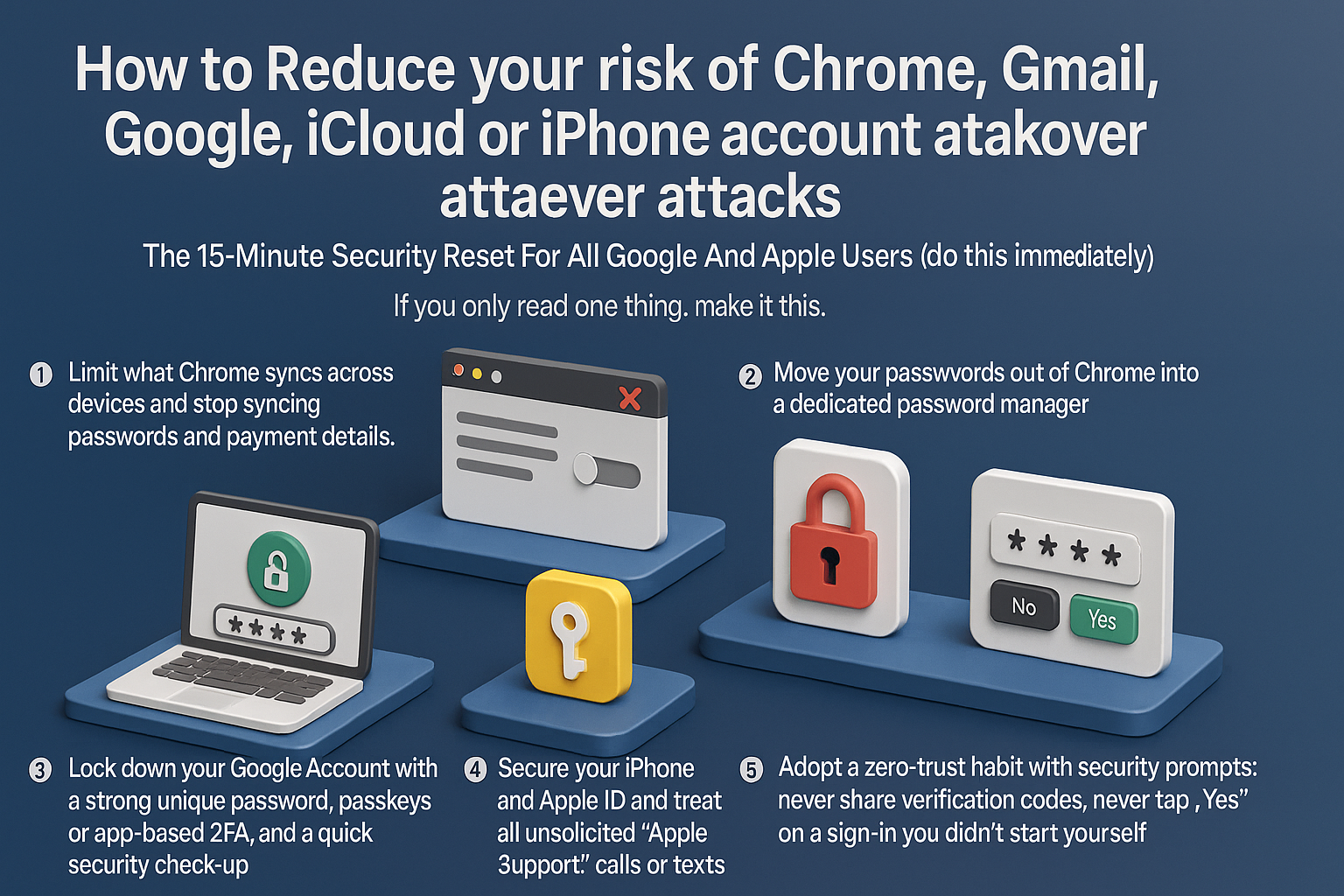
How To Stop Chrome & iPhone Account Takeovers: A 15-Minute Security Reset For Google And Apple Users
To reduce your risk of account takeovers, you must limit browser data exposure and adopt a zero-trust approach to security prompts. Start by disabling Chrome’s ability to sync passwords and payment details; move credentials to a dedicated password manager and delete old synced cloud data. Next, harden your Google and Apple accounts by enabling passkeys or app-based 2FA instead of SMS, and audit browser extensions to remove potential spyware. Crucially, defend against social engineering: never share verification codes, ignore unsolicited “support” calls, and deny any 2FA request you didn’t personally trigger. Attackers now prioritize hijacking browser sessions and manipulating recovery flows over simple password guessing. By isolating your passwords from your browser and refusing to validate unexpected login attempts, you neutralize the primary methods hackers use to compromise your digital identity.