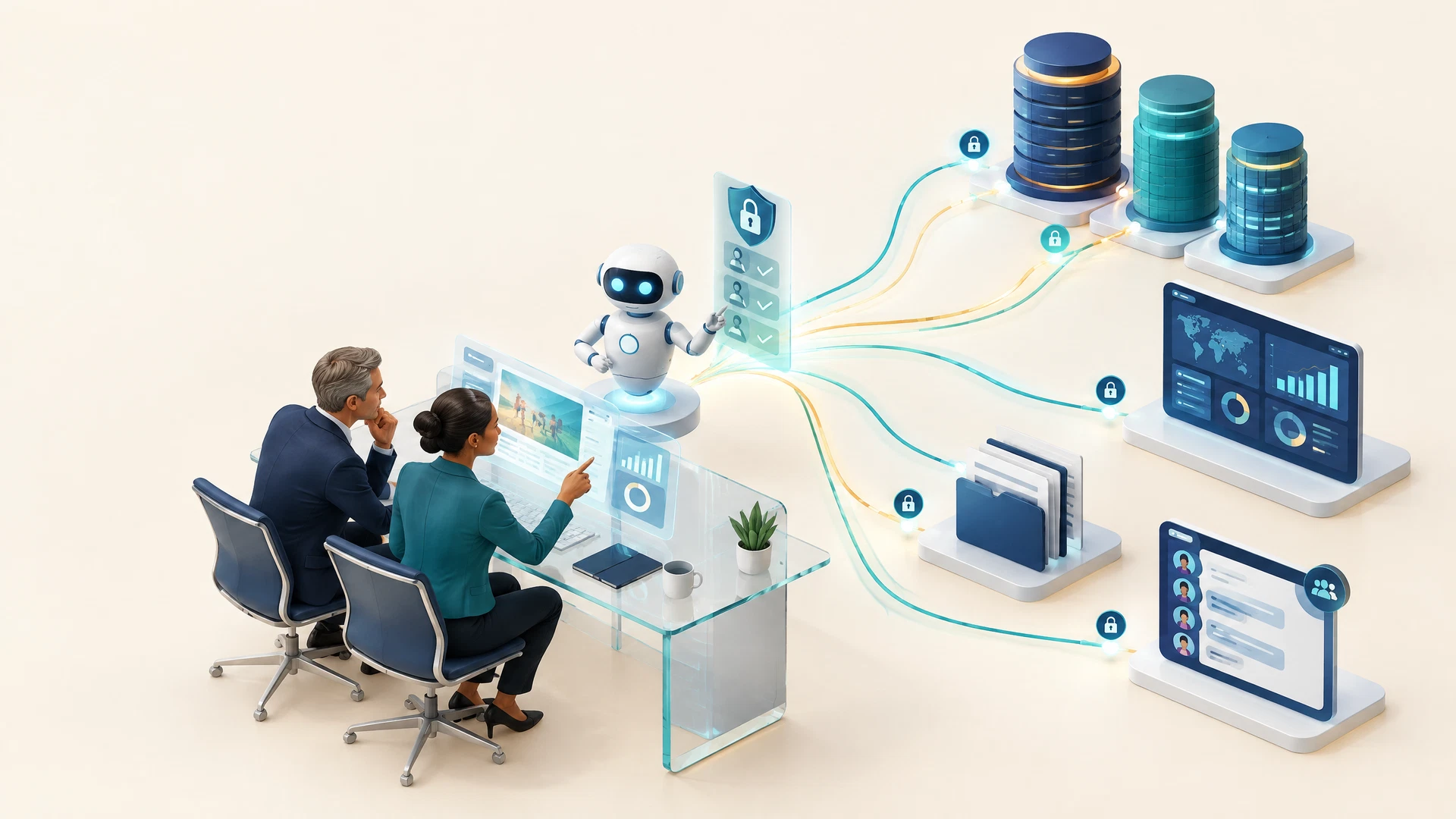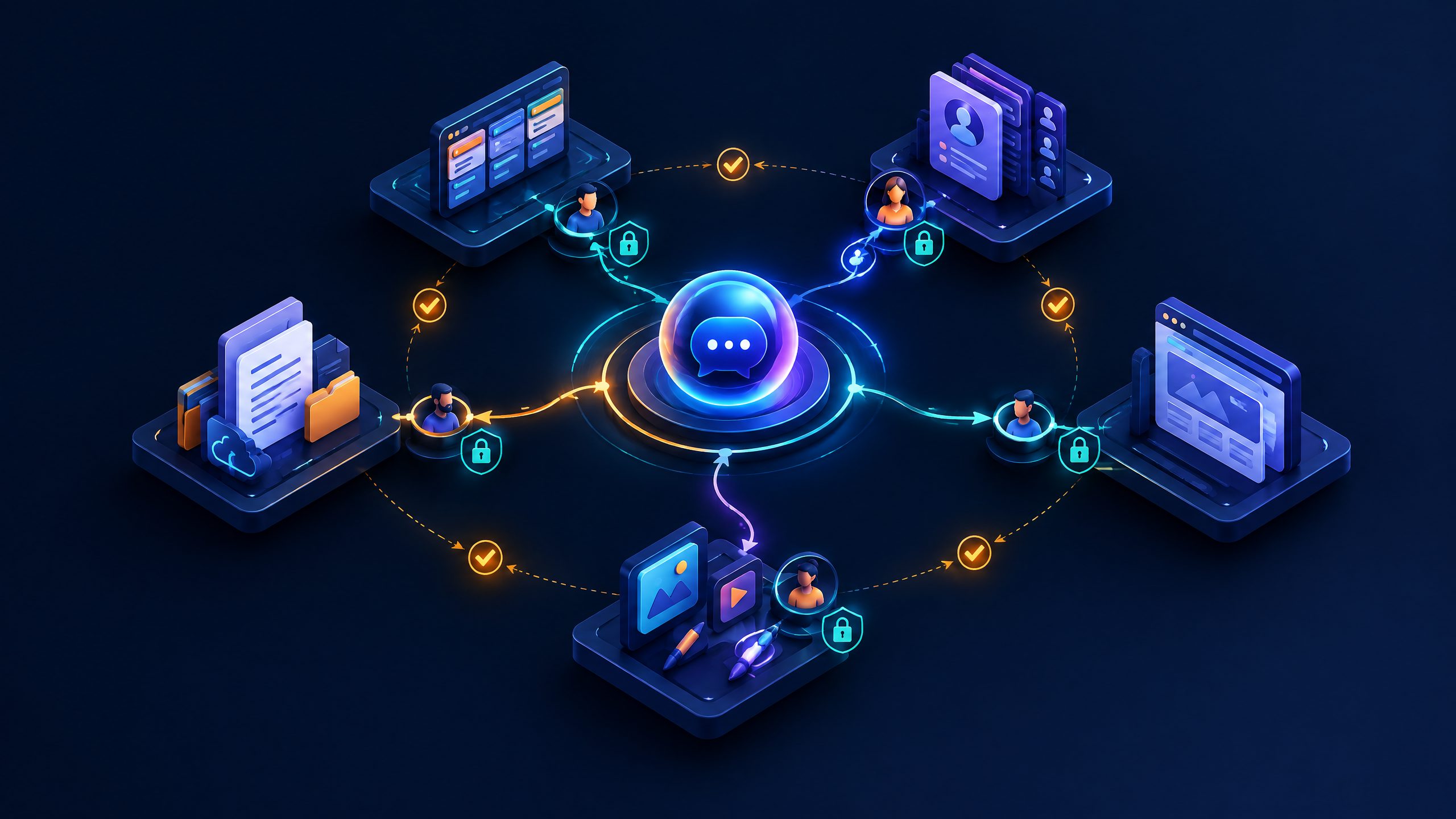
Google’s Connected Apps rollout makes a conversational AI layer a new way to reach work, creative and lifestyle software. It does not show that SaaS products have been replaced. It does create a more immediate governance question: when a request begins in Gemini and crosses into another application, who defines the permitted action, verifies the result and can reconstruct what happened?
On September 23, Google said it was beginning to roll out new Gemini Connected Apps, naming Airtable, Linear, monday.com, PandaDoc, Wispr AI and Zoho for productivity, plus Adobe, Picsart, Squarespace and Webflow for creative work. Google also named apartments.com, Experian, Peloton and SeatGeek in a lifestyle group. The announcement says people can connect apps in Gemini settings or bring them into a chat with an @ mention or a direct request. These are vendor-reported rollout and feature statements, not evidence that a particular tool, job or workflow has been displaced. See Google’s Connected Apps announcement and the Gemini Apps Help documentation.
The commercial implication is therefore narrower, but still important. SaaS teams may need to consider not only their application’s screens, navigation and native search, but also how an AI-mediated request reaches approved information and supported actions. Buyers and operators should resist the easy headline that “the chat replaces the app.” The confirmed change is a connection layer. The unresolved work is deciding which requests should be allowed to pass through it.
What Google Actually Announced
Google’s consumer-facing announcement groups the newly named connections by use case. The productivity list includes Airtable, Linear, monday.com, PandaDoc, Wispr AI and Zoho. The creativity list includes Adobe, Picsart, Squarespace and Webflow. The lifestyle list includes apartments.com, Experian, Peloton and SeatGeek.
Google’s Gemini Help page describes Connected Apps as applications Gemini Apps can connect to “to complete your request and give you more helpful responses.” With permission, Google says Gemini can also help take actions, including editing and managing content in other apps. The same documentation says a person can connect or disconnect apps in Connected Apps settings, can use @ to specify an app, and can review available and unsupported actions on an app’s detail page.
That is the confirmed baseline. It matters because it keeps the analysis honest. Google has announced a way to invoke connected tools from Gemini, not a universal set of capabilities across every named app. The Help page explicitly says availability varies by location, language, device and Gemini app. It also says an available app may either be connected or prompt for permission when selected. A named application in a launch post is not, by itself, a permission model, a universal workflow specification or a guarantee that an action is available to every user.
The practical shift: intent can start before the application
A user who begins with “prepare,” “find,” “update” or “draft” is expressing intent rather than choosing a product menu. The inference from Google’s design is that Gemini can become an entry point from that intent to a connected app’s supported context or action. That is a material interface shift, even if the destination product remains the system where the underlying record, document, project or site exists.
For SaaS operators, the question is whether a request once begun in a product screen can begin in Gemini, and what controls travel with it.
Airtable and Linear make the distinction easy to see. One may hold structured operational data; the other may hold work items and delivery context. If a user asks Gemini to work with either service, the governance issue is not the attractiveness of the prompt. It is whether the request is within a defined role, whether the action is supported, whether a person can inspect the result, and whether the connection can be removed cleanly. The same logic applies to a PandaDoc document, a Zoho record, an Adobe asset or a Webflow site object.
Do Not Collapse Consumer Connected Apps and Workspace MCP
This distinction is the most important technical and operational caveat in the story.
Google’s Gemini Apps Help page labels its general Connected Apps guidance as information for people using Gemini with a personal account. It explains individual settings, permission prompts, app details and the ability to connect or disconnect. Google also notes that users with work or school accounts should consult separate guidance. The consumer announcement lists the new app categories and names above.
Google’s September 15 Workspace update describes a different context: Gemini in Google Workspace can interact with Asana, Atlassian Rovo, HubSpot, Intuit Mailchimp, Intuit QuickBooks, Monday and Salesforce through Model Context Protocol (MCP) integrations. Google says these connectors can be used across Workspace surfaces including Sheets, Gmail, Drive, Docs and Chat. The two lists overlap around Monday/monday.com, but they are not the same announced product surface or control model. Read the Workspace update in its own scope.
The Workspace model has an explicit administrative layer. Google says the feature is on by default for users who have Gemini for Google Workspace access, and that administrators can manage third-party connectors by domain, organizational unit or group. Google also says administrators can control enabled connectors and access policies. That is a different operational starting point from an individual deciding whether to connect an app in Gemini settings.
| Question | Consumer Gemini Connected Apps | Gemini in Google Workspace third-party connectors |
|---|---|---|
| Primary context in Google’s cited guidance | Personal-account Gemini Apps | Google Workspace users with Gemini access |
| Connection pattern described by Google | Individual connection settings, permission prompts and @ mentions | MCP integrations in Workspace surfaces |
| Named examples in the cited announcements | Airtable, Linear, monday.com, PandaDoc, Zoho, Adobe, Webflow and others | Asana, Atlassian Rovo, HubSpot, Mailchimp, QuickBooks, Monday and Salesforce |
| Control point emphasized by Google | A user can connect or disconnect apps | An admin can manage connectors and access policies by domain, OU or group |
This table does not make the systems interchangeable. It identifies the boundary that teams must preserve in their policy, architecture diagrams and internal communications. Calling every Gemini integration “an MCP connector” would be inaccurate; calling every Workspace connector “a consumer Connected App” would be inaccurate too.
Why the Interface Question Matters for SaaS Leaders
The strongest inference from the rollout is not that the software category disappears. It is that the interface layer may become more fragmented. A person may still open Webflow to inspect a site, Adobe to work with a creative asset, Linear to manage a task or Airtable to review a record. But they may increasingly initiate a defined request from Gemini first.
That changes several design questions:
- Action boundaries: Which read, draft, edit, publish, approve or delete actions are actually supported and appropriate?
- Authority boundaries: Which human role is permitted to initiate each action, and is a connected account sharing more access than the task requires?
- Evidence boundaries: What record shows the request, connected app, result and any human review?
- Exception boundaries: What happens when Gemini requests an unsupported action, encounters incomplete context or produces an output that needs correction?
None of these questions require a claim about usage volume or commercial impact. They exist because cross-application AI requests combine a natural-language instruction, data access and a possible downstream action. A conventional user interface can make a boundary visible through a button, form or workflow stage. A conversational interface may require organizations to make the same boundary explicit through permissions, policy and review design.
A new distribution surface, not a verdict on the application
For SaaS vendors, this could become a distribution and trust-design issue. A service that is reachable through a connected AI interface may need clear descriptions of supported actions, consent requirements, error states and audit behavior. For customers, the more immediate concern is to understand which source remains authoritative when AI summarizes, drafts or sends work into another application.
The disciplined position is “both/and,” not “either/or.” Gemini can be a request layer while the connected application remains the system of record. That is an interpretation of the product pattern, not a Google promise. It is also why organizations should not let a compelling demo determine operating policy.
A Practical Checklist Before You Enable a Connected App
Start with a controlled test rather than a broad enablement announcement. This checklist is designed to turn a product update into an observable governance exercise.
- Classify the proposed task. State whether it is read-only, draft-only, editable, publish-capable, approval-capable or destructive. Begin with a reversible, low-consequence task.
- Verify the actual app details. In Gemini’s Connected Apps settings, review the application’s supported and unsupported actions. Do not infer capability from the vendor name or launch category.
- Map identity and scope. Record the Google account, connected SaaS account, data categories, requested permissions and team ownership. Use a dedicated test account where feasible.
- Define a human approval point. Require a named reviewer for content, commitments, account changes, publishing or any action that can affect a customer, record or external property.
- Set the source-of-record rule. Specify where the final work must be reviewed: the connected app, an approved document repository or another established system. A Gemini response should not silently become the final record by default.
- Capture test evidence. Retain the prompt, the application used, the returned result, the reviewer decision and any correction. The goal is not surveillance; it is to learn whether the workflow is controllable.
- Test removal and recovery. Disconnect the app, confirm access changes as expected, and document how to reverse or correct a completed action.
- Separate personal and managed paths. If the organization uses Workspace connectors, configure and document the administrator-managed route separately from personal-account Connected Apps.
A checklist establishes facts an organization can inspect before expanding scope, especially when teams use products that store customer data, contractual information, creative assets and web content.
The Governance Work Begins Where the Demo Ends
Google’s Help guidance provides two useful constraints for responsible interpretation. First, users can find app-specific supported and unsupported actions in Connected Apps settings. Second, app availability may vary by location, language, device and Gemini app. Those constraints make a test-and-document approach more credible than an assumed standard deployment.
A sensible internal brief can be short: the business purpose, the exact connected app, the permitted data class, the allowed action class, the reviewer, the record of evidence, the stop condition and the person authorized to expand access. This is not bureaucracy for its own sake. It gives security, legal, IT and operating teams a common artifact when a natural-language interface touches an established SaaS workflow.
The operational concern is often contextual authority. An AI interface may be able to interpret a broad request, but the organization still has to decide whether this requester, with this connected identity, is authorized to perform this action against this information at this time. The connection does not answer that question by itself.
For teams that need an independent starting point, Integrated.Social’s Gemini Enterprise Agentic AI service [blocked] can help scope a controlled evidence, measurement or governance review of a bounded workflow. That work should define access boundaries, review points and test evidence; it should not be framed as a promise of commercial performance.
What to Watch Next
Three facts are worth monitoring after the announcement. First, watch the app-specific details in Gemini settings: supported actions and availability are more actionable than a category list. Second, keep consumer connections and Workspace MCP connectors separate in procurement and security documentation. Third, evaluate each workflow at the action level, not at the brand level. “Connected to Webflow” says far less than “may draft a change for review” or “may publish a change under an approved role.”
The broader inference is straightforward. When an AI agent becomes an interface, SaaS does not automatically vanish. The locus of control can move: from a visible application flow to a chain of instruction, identity, permission, action and verification. The companies that handle that shift well will be the ones that can show what is connected, what is allowed, who reviewed it and where the final record lives. Google’s rollout supplies the connection layer. Every organization still has to supply the operating discipline.